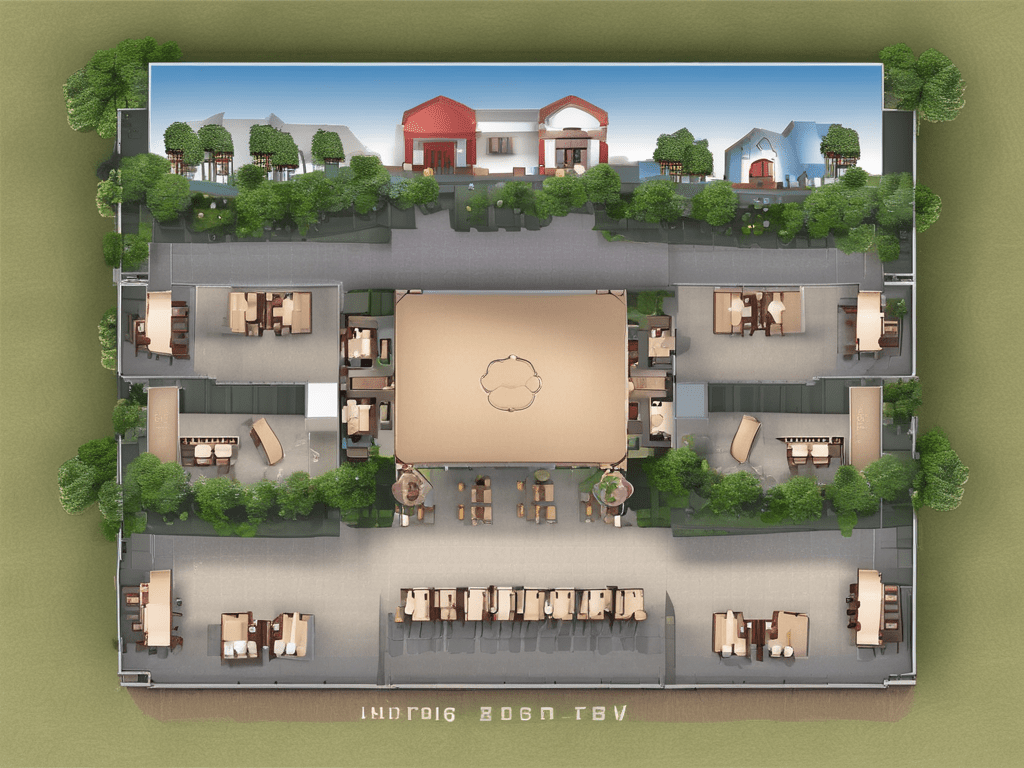
Virtual and Hybrid Events: Adapting Your Floor Plan Software
The landscape of events has dramatically shifted with the rise of virtual and hybrid formats. As planners navigate these new modalities, adapting floor plan software to accommodate both in-person and online components is essential. Here’s how to effectively modify your event floor plan software to suit virtual and hybrid events, ensuring a seamless experience for all participants.
1. Understanding Virtual and Hybrid Events
Purpose:
Provide a clear definition and understanding of virtual and hybrid events.
Key Points:
- Virtual Events: Entirely online events where attendees participate through digital platforms.
- Hybrid Events: Combines in-person attendance with virtual participation, offering flexibility to attendees.
- Importance: Allows for greater reach, accessibility, and adaptability in uncertain times.
Recommendations:
- Stay Informed: Keep up-to-date with trends and technologies in virtual and hybrid events.
- Adaptability: Be prepared to pivot between event formats as needed.
2. Choosing the Right Floor Plan Software
Purpose:
Select software that can effectively manage virtual and hybrid event layouts.
Key Features to Look For:
- Versatility: Ability to create both physical and virtual layouts.
- Integration: Seamless integration with virtual event platforms (e.g., Zoom, Teams).
- Interactive Elements: Support for interactive maps and virtual booths.
- Analytics: Tools to track engagement and participation across both formats.
Recommendations:
- Feature Comparison: Compare features of different software options to find the best fit.
- User Reviews: Read reviews and case studies to gauge software effectiveness.
3. Designing for Hybrid Events
Purpose:
Create layouts that accommodate both in-person and virtual attendees.
Key Techniques:
- Dual Layouts: Design separate layouts for physical and virtual components, ensuring cohesion.
- Virtual Booths: Set up virtual booths that mimic the physical event experience.
- Engagement Zones: Create zones for networking and engagement that work for both in-person and virtual attendees.
Recommendations:
- Consistent Branding: Ensure branding is consistent across both physical and virtual spaces.
- Interactive Features: Incorporate interactive features like live chats, Q&A sessions, and virtual tours.
4. Enhancing Virtual Experiences
Purpose:
Use floor plan software to enhance the virtual attendee experience.
Key Techniques:
- 3D Environments: Create 3D virtual environments for a more immersive experience.
- Interactive Maps: Provide interactive maps that help virtual attendees navigate the event.
- Customizable Layouts: Allow attendees to customize their virtual environment for a personalized experience.
Recommendations:
- Virtual Walkthroughs: Offer virtual walkthroughs to familiarize attendees with the platform before the event.
- User Guides: Provide comprehensive guides to help attendees make the most of the virtual features.
5. Facilitating Networking and Interaction
Purpose:
Ensure effective networking and interaction among attendees in both formats.
Key Techniques:
- Networking Zones: Create dedicated zones for networking, accessible to both in-person and virtual attendees.
- Virtual Networking Tools: Use tools like chat rooms, video calls, and forums to facilitate interaction.
- Interactive Sessions: Plan interactive sessions such as workshops, panel discussions, and breakout rooms.
Recommendations:
- Matchmaking: Implement matchmaking algorithms to connect attendees with similar interests.
- Engagement Tracking: Use analytics to track and enhance attendee engagement.
6. Leveraging Analytics and Feedback
Purpose:
Utilize data to improve the event experience and future planning.
Key Techniques:
- Real-Time Analytics: Monitor engagement and participation in real-time to make on-the-fly adjustments.
- Post-Event Reports: Generate detailed reports to analyze the success of the event.
- Feedback Collection: Collect feedback from both in-person and virtual attendees to identify areas for improvement.
Recommendations:
- Continuous Improvement: Use insights from analytics and feedback to continuously improve event planning and execution.
- Tailored Experiences: Adjust future events based on attendee preferences and behavior patterns.
Opinion
Adapting your Event floor plan software for virtual and hybrid events is crucial in today’s evolving event landscape. By understanding the unique requirements of these formats, choosing the right software, designing effective layouts, enhancing virtual experiences, facilitating networking, and leveraging analytics, event planners can ensure successful and engaging events. Embrace the power of technology to create seamless and dynamic experiences for all attendees, regardless of their location.
 Alex Blogs
Leave a comment